Now accepting beta testers for macOS

The podcast player
with a memory.

You listen. Steadcast remembers. Transcription, summaries, and memories — so when you need it later, it's there.

MacBook Pro
Steadcast demo

What no other podcast app does.

You listen to learn — not just to pass the time. Steadcast was designed for that.
Steadcast transcription pipeline

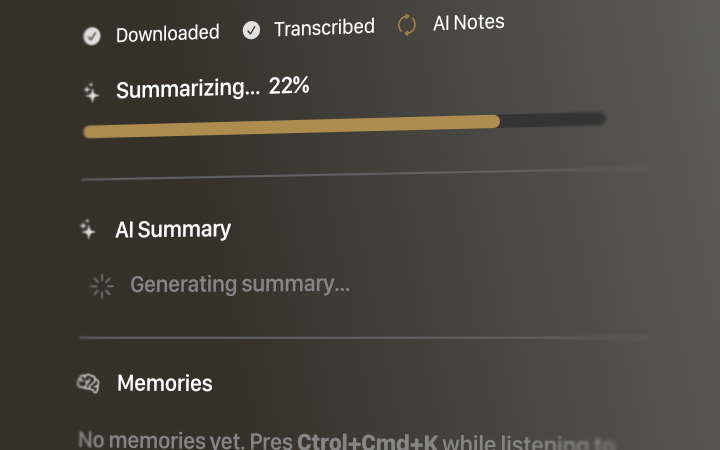
Transcribe. Summarize.

Every episode you queue gets transcribed on your Mac using Apple Intelligence. AI summaries capture the key ideas. Every word becomes searchable.
Get To The Point silence removal

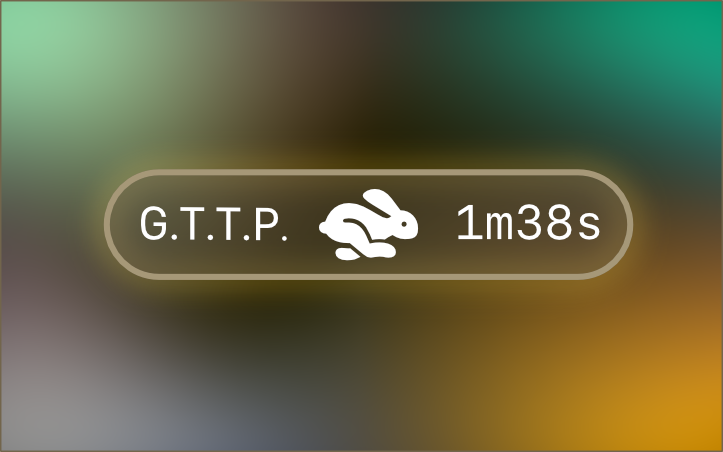
Get To The Point.

Intelligent silence trimming cuts the dead air so you hear more in less time. A live counter shows exactly how much time you've saved.
AI notes and memories

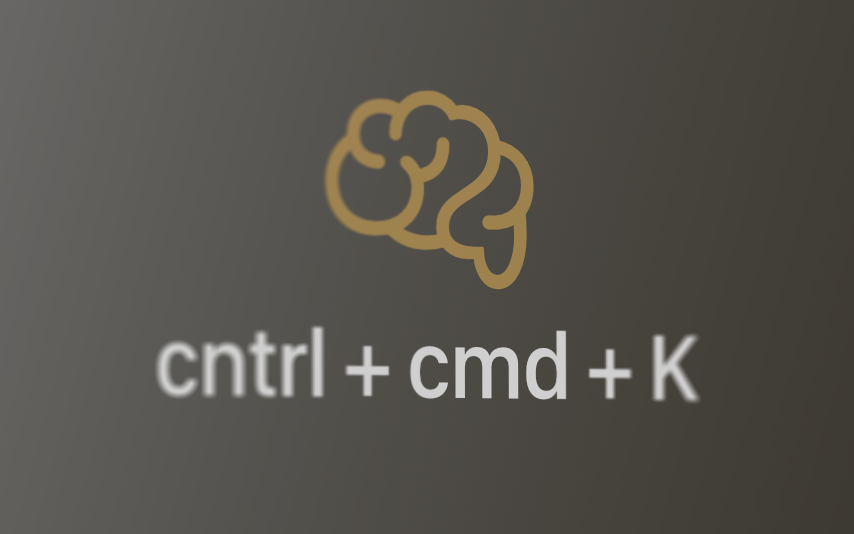
Remember.

One keystroke saves a memory with transcript context. Find any moment later by searching your notes, highlights, and AI summaries.

Always-on-top playback
and queue control.

The floating mini player and menu bar give you full control without switching windows. Skip, scrub, adjust speed, manage your queue — all while staying in whatever app you're working in.

Floating Mini Player

Stays on top of every window. Play, pause, skip, scrub, and adjust speed without leaving your workflow.

Menu Bar Queue

Your Up Next queue lives in the menu bar. Reorder, remove, or jump to any episode from anywhere on your Mac.

Keyboard + Mini Player

Combine global hotkeys with the mini player for a zero-friction listening setup. Save a memory, skip a chapter, change speed — all without reaching for the mouse.
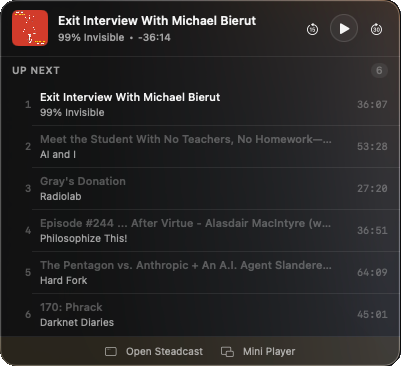
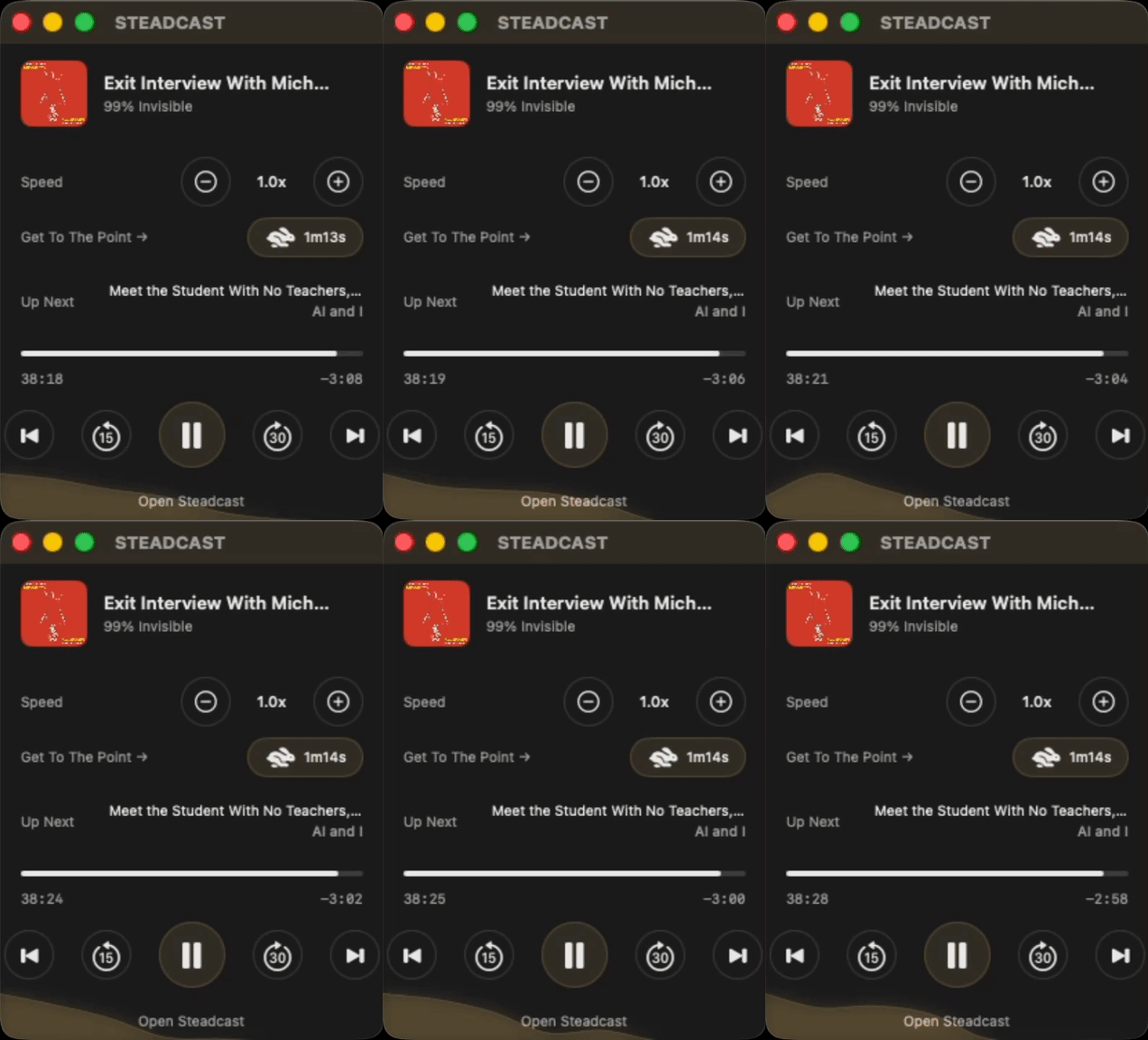
Steadcast menu bar queue Steadcast mini player in action

Built for people who live at the keyboard.

Global hotkeys work system-wide — control playback from any app, without touching the trackpad.

esc F1 F2 F3 F4 F5 F6 F7 F8 F9 F10 F11 F12 ` 1 2 3 4 5 6 7 8 9 0 - + delete tab Q W E R T Y U I O P [ ] \ caps lock A S D F G H J K L ; ' return shift Z X C V B N M , . / shift fn
Global Hotkeys — any app, anytime
Play / Pause P
Skip Back 15s [
Skip Forward 30s ]
Increase Speed +
Decrease Speed
In-App Shortcuts
Play / Pause Space
Skip Back 15s
Skip Forward 30s
Toggle Up Next Q
Navigate Episodes J/K
Previous Chapter
Next Chapter
Import OPML I
Export OPML E

Everything under the hood.

Native macOS. No Electron. No subscriptions. Just a podcast player built the way software should be.

Playback

  • Variable Speed — 0.5x to 3.0x with per-podcast overrides
  • GTTP Silence Trimming — Cut dead air, live time-saved counter
  • Chapter Navigation — PSC, ID3, and description timestamp support
  • Custom Skip Intervals — Per-podcast skip back/forward durations
  • Sample Playback — Option+click to preview before committing
  • Position Memory — Auto-resume from exactly where you left off

Intelligence

  • On-Device Transcription — Apple Intelligence, no cloud upload
  • AI Summaries — Key topics, takeaways, and notable quotes
  • AI Notes — Auto-generated study notes per episode
  • Transcript Search — Full-text search across every word spoken
  • Memories — One-keystroke saves with transcript context
  • Text Selection Memories — Highlight transcript passages directly
  • Background Processing — Transcribe and summarize while you work

Library

  • RSS + iTunes Search — Subscribe by URL or search Apple's catalog
  • OPML Import/Export — Instant migration, zero lock-in
  • Smart Queue — Play Next, Play Last, drag-to-reorder, auto-advance
  • Per-Podcast Settings — Speed, skip, auto-queue, episode limits
  • Episode Downloads — Offline playback with storage management
  • Played/Unplayed Tracking — Auto-mark at 95%, bulk operations
  • Auto-Queue New Episodes — New episodes added on feed refresh

Discovery

  • 11 Knowledge Domains — AI, Science, History, Philosophy, and more
  • Curated Collections — Hand-picked podcast bundles by topic
  • Picked For You — Personalized recommendations by interest
  • Trending Shows — What's popular across your selected domains
  • Fresh Voices — Emerging podcasts worth discovering
  • Content Quality Filtering — No algorithm soup, no ad-driven rankings

Export & Integrate

  • Markdown Export — Transcripts, memories, and notes as .md
  • Clipboard Copy — One-click copy for any exported content
  • Selective Export — Choose exactly what to include
  • OPML Backup — Full subscription export anytime
  • Local-First Storage — Your data stays on your Mac, always
  • Obsidian Vault Export — Export directly into your Obsidian vault

Platform

  • Native Swift + SwiftUI — No Electron, no web views
  • Liquid Glass UI — macOS 26 Tahoe design language
  • Global Hotkeys — Control playback from any app, system-wide
  • Menu Bar Player — Compact controls always accessible
  • Now Playing Integration — Media keys and Control Center support
  • Keyboard-First Design — Full navigation without touching the trackpad
  • One-Time Purchase — No subscriptions, no premium tiers, ever
40+ features and counting. Built by a listener, for listeners.

Try the beta.

Steadcast is in early beta for macOS. We're looking for podcast listeners who want to help shape what comes next.

Request Beta Access

Requires macOS 26+ · Apple Silicon required